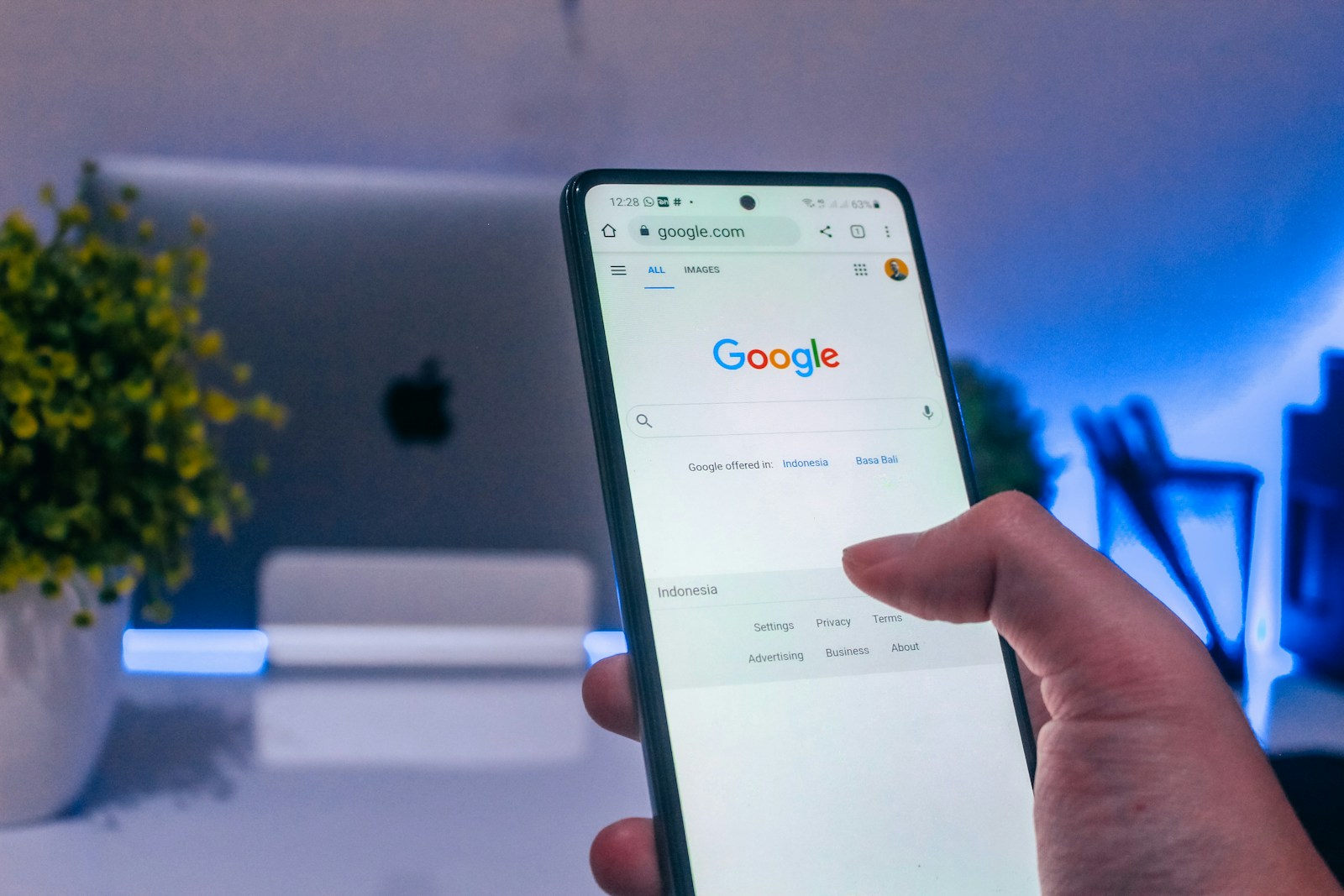
You must have asked yourself more than once:Why do the same advertisements pop up for me?’ Or even more strange –Why does my phone show me what I was talking to someone a while ago?’ You’re not alone. More and more people are wondering if the phone really listens to them, how Google knows what we like, how advertisements know what we are looking for, and if there is a way to stop it.
In this text, we provide specific answers to questions such as:
- Why are commercials coming out for me for what I mentioned?
- How do I stop personalized advertisements?
- How can Facebook not follow me?
Content
If you want to know the truth about digital tracking, listening and personalized ads – and learn how to take control of your privacy – keep reading.
Why do I pop the same ads every day?
If it seems to you that the same advertisements on Google, Facebook, Instagram or YouTube pop up every day – you are not paranoid. Repeat ads are not a mistake, but a result of personalized advertising. Your phone, apps and browser monitor your activities and create your ‘interest profile’ based on them.
This means that if you once looked for a certain product, watched a video, clicked on a post or liked the page, the system remembers it. Algorithms then decide that they often show you advertisements related to these topics – because they believe that sooner or later you will click.
Advertisements are repeated in this way because advertisers pay for the ad to be shown to them several times to the same people. This is called remarketing or retargeting, and is one of the most effective tools in digital marketing.
So, the answer to the questionwhy do i have the same ads popping? Yes – because you have already shown interest in that topic, product or service, and the system wants to remind you and encourage you to react.
Is my cell phone really listening to me while I’m talking?
One of the most common questions today is:Does the phone listen to me while I talk?’ Many users notice that advertisements for certain products appear soon after they have talked about them out loud, even without prior search. This sounds like a conspiracy theory, but the truth is – not everything is black and white.
Technically, apps like Facebook, Instagram or Google apps can have access to your phone’s microphone – but only if you allow them to do so. Although companies officially claim that they do not listen to conversations for advertising, numerous analyzes show that there is a possibility that some audio data are passively collected and then used to improve algorithms.
However, in most cases, it’s not that the phone ‘listens’ to you – it’s just so good at following your online activities, locations, interactions and habits, that it guesses what you might have been talking about. By combining data from several sides (eg what did you search, where were you, who were you connected with), the system forms an assumption and serves you an advertisement as if it really eavesdropped on you.
So, although it has not been proven that the phone actively taps your conversations, the sensitivity of the data you share and the way applications use your microphone open justified questions about privacy.
How does Google know what I’m looking for?
Many people ask: ‘How does Google know what I like?’ or ‘How does he know what I’m looking for even when I haven’t knocked anything?’ The answer is simple – Google tracks a huge amount of data that comes from multiple sources. Every time you use Google search, YouTube, Gmail, Google Maps or even an Android phone – you leave a digital trace.
Google makes your personal profile, which includes:
- The topics you often search
- video content you watch,
- locations you visit,
- apps you use,
- and even how long do you dwell on a particular page.
Based on all this, Google knows what topics you are interested in, which products you may want to buy, who you communicate with and what habits you have. This profile is then used to show personalized advertisements that suit you.
That’s why, for example, an advertisement for a new phone can pop out immediately after watching a couple of reviews or only once mentioned in a conversation that you need a new device. Google doesn’t read your mind – but it follows your behavior better than you think.
How do advertisements know what I’m talking or knocking?
Many users are shocked when they see the advertisement exactly for what they were talking about or what they just entered in the message or search. So the question arises: ‘How do advertisements know what I’m talking or knocking?’ Is it a coincidence or is someone really following us?
It is true that advertisements come to this information through multiple sources:
- If you searched something on Google, that information automatically connects to your Google account.
- If you typed in messages, and you use applications that have access to keyboard or microphone data, they can analyze this information (especially in the background, with permission).
- When you are connected to the same Wi-Fi network with someone, ad systems can conclude that you are close to each other and show similar advertisements.
- Applications that work in the background, and have access to a microphone, location, contacts or even a clipboard, often send this information to ad networks.
So, it is not necessary that they ‘listen’ to you, but combine what you type, click, watch and where you move. All of this together makes a powerful advertising targeting tool.
If you ever wonderedWhy are commercials coming out for me for what I mentioned?‘, now you know – algorithms don’t read your mind, but they analyze your behavior down to the smallest detail.
How do I stop personalized advertisements on Google and Facebook?
If you are tired of being ‘followed’ and advertisements popping up for what you recently asked for or mentioned, you probably wonder: ‘How can I stop personalized advertisements?’ The good news is that you can do it – at least partially.
On Google:
- Open Google Ads Settings.
- Turn off the ‘Ad Personalization’ option.
- You can view all the categories of interest that Google has linked to you and remove them manually.
Also, go to ‘My Activity’ and delete the history of searches, views and applications: https://myactivity.google.com
On Facebook:
- Go to Settings and Privacy > Settings > Ads.
- In the ‘Ad Settings’ section, turn off options such as:
- “Ads based on your activity on other sites”
- ‘Ads based on partner data’
- You can also delete the interests recorded by Facebook based on your activities.
Keep in mind: even if you turn off personalization, advertisements will still appear to you, but they won’t be so connected to your interests. This doesn’t erase your data – it just reduces their use for targeting.
How do Facebook and other apps stop following me?
If you want to avoid tracking and feel more confident about your privacy, here are some steps that can help you shut down tracking on Facebook and other apps:
Facebook:
- Turn off activity monitoring:
- Go into settings and privacy > adjustments > Your activity outside of Facebook.
- Here you can exclude tracking of data coming from other websites and applications. You can even delete all the data that Facebook has collected about your activity outside the platform.
- Turn off option ‘Ads based on your activity’:
- In ad settings, turn off all options that allow Facebook to use your online behavior to target advertisements.
Android apps:
If you use Android, there is an option to turn ad tracking off:
- Open settings > Google > Ads.
- Turn off the ‘Ad Personalization’ option. This will stop collecting information about your interests in targeting advertisements.
iPhone/iOS apps:
On the iPhone, you can control which apps can track your activity:
- Go to Settings > Privacy > Monitoring.
- Turn off the ‘Allow apps to monitor’ option.
- You can also turn off tracking in apps like Instagram and WhatsApp within their settings.
Keep in mind that even though you turn off tracking, applications can still use your basic data such as location and demographics. This step only reduces the amount of data used for personalized advertisements.
How do I protect my privacy on the Internet?
Internet privacy protection is becoming more important, as many applications and websites collect information about our habits, interests and behavior. If you want to increase your security and protect privacy, here are some steps you can take:
Use VPN (Virtual Private Network):
One of the most effective ways to protect your privacy on the Internet is to use a VPN. VPNs hide your real IP address and code your internet connection, making you invisible to advertisers, hackers, and other third parties that follow your activities.

Update your privacy settings regularly:
Most popular apps and social networks offer privacy settings that you can update regularly. Check your privacy settings on Facebook, Instagram, WhatsApp and other apps you use. Turn off options that allow apps to monitor your behavior, use your data for personalized advertisements, and share information with third parties.
Use security search engines:
If you want to avoid tracking on the Internet, use search engines that don’t follow your activities, like DuckDuckGo. This browser does not store your data and does not use it to target advertisements.
Block cookies:
Many sites use cookies to monitor your activity. You can block them via settings in your browser or use extensions like Privacy Badger or Ublock Origin that block third-party cookies.
Be careful with the information you share:
Do not share sensitive information (such as address, phone number or credit card number) on websites that are not securely connected (they do not use HTTPS). Also, be careful with applications that require access to your camera, microphone or contacts – check permissions and exclude those that are not necessary.
In conclusion, in today’s digital age, where our data has become a valuable asset, it is crucial to be aware of how our activity on the Internet shapes our online presence. Advertisers and applications collect huge amounts of information to create personalized advertisements that are shown to us at every turn. While this may be useful in the sense that it offers us relevant products and services, it also carries significant risks to our privacy.
It is important that we recognize that although companies claim that they do not use our privacy to harm, the technology and algorithms used to monitor our activities can have serious consequences on our safety and anonymity. Taking a few simple steps, such as blocking personalized ads, shutting down apps, using VPN, and regularly updating privacy settings, we can significantly reduce the amount of data used to target advertisements.
However, it is important to understand that complete exclusion of all forms of monitoring is not always possible. The Internet has become a complex ecosystem in which data is quickly collected, analyzed and used. However, we can take control of our privacy and reduce the risk of undesirable invasions to our digital freedom. Through awareness of this topic and the application of basic security measures, we can protect ourselves from undesirable monitoring and preserve our online privacy.
Ultimately, privacy on the Internet is not something we should take for granted. Given the speed of technological progress, it is crucial that we remain informed and take concrete measures to preserve our data and control who has access to the information we share online.