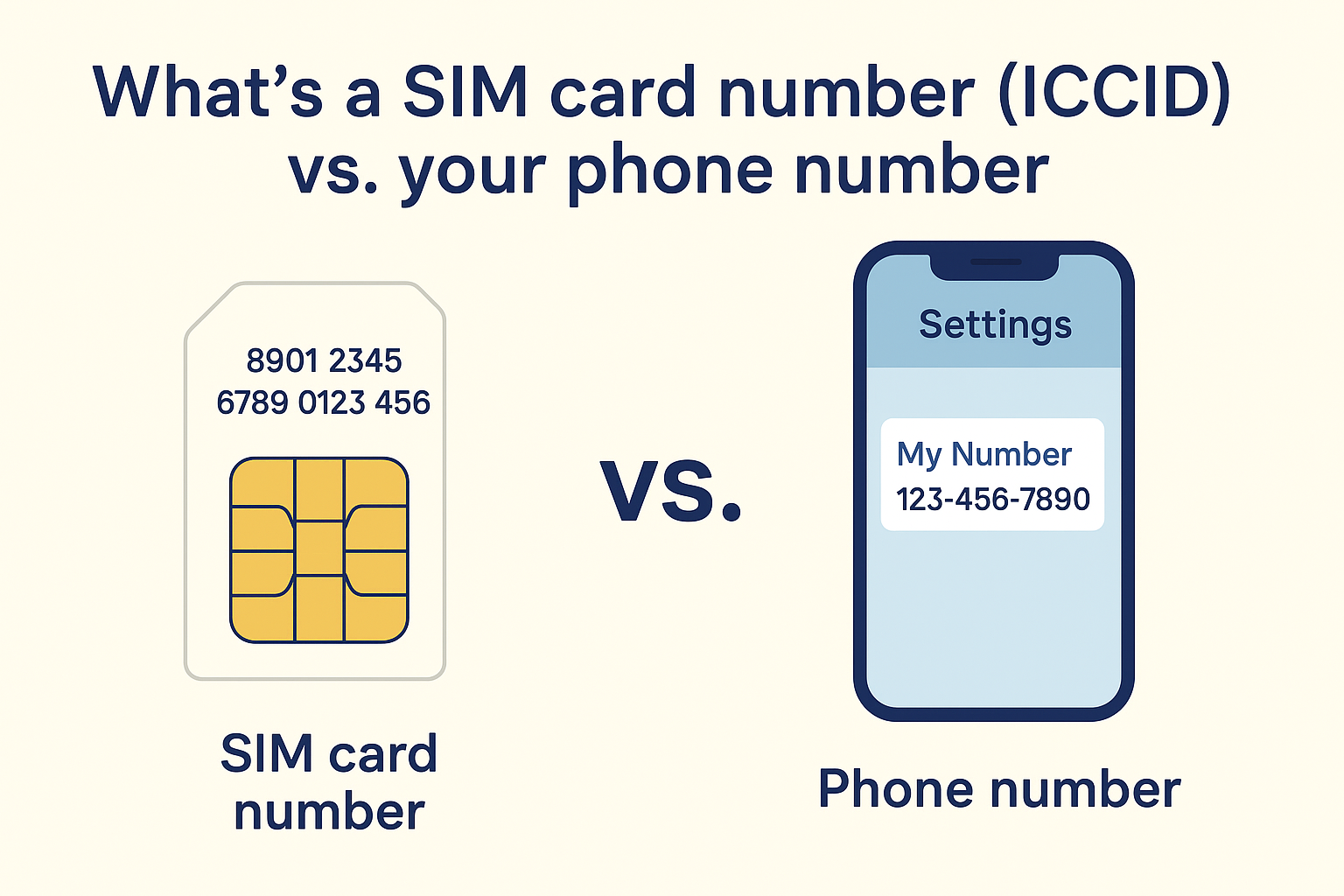
Your SIM card number (the ICCID) is a long unique identifier printed on the card. It’s often needed for support, activating a new phone, or troubleshooting. This guide shows how to find the SIM card number on your device or SIM, whether you’re using an iPhone, Android phone, or checking the SIM itself. We’ll also cover how to check your phone number from a SIM and what these different numbers (ICCID vs. phone number) mean.
What is a SIM card number (ICCID) vs. your phone number
Each SIM card has a unique ICCID (Integrated Circuit Card ID) that identifies the SIM card itself. The ICCID is typically 19–20 digits long and is usually printed on the SIM’s plastic body. For example, as Simbase explains, “the ICCID number can usually be found printed on the SIM card itself. It’s a series of 19 to 20 digits, typically the longest sequence of numbers on the card”.
Don’t confuse the ICCID with your actual phone number (the MSISDN). Your MSISDN (the number people dial to reach you) is assigned by the carrier and not printed on the SIM. As Wikipedia notes, “the MSISDN is the number normally dialed to connect a call to the mobile phone”. In other words, the ICCID identifies the SIM hardware, whereas your phone number is a separate number mapped to that SIM. (There’s also an IMSI on the SIM that identifies the subscriber, but that’s typically hidden in the device.) In short, if you’re trying to “find my SIM card number”, you usually mean finding the ICCID printed on the SIM.
Finding the SIM card number (ICCID) on your device
Most phones can display the SIM’s ICCID in settings. Below are the steps for iPhone and Android:
On an iPhone (iOS)
- Open Settings.
- Go to General > About.
- Scroll down to the ICCID field. This is your SIM card number.
The entry labeled ICCID in the About screen is your SIM’s serial number. For example, Twigby Support explains: “Starting from the home screen, tap Settings > General > About. The entry titled ICCID is your SIM card number”. If your iPhone won’t turn on, you can also eject the SIM tray and read the number printed on the SIM itself (often on the plastic behind the chip).
On an Android phone
- Open Settings.
- Tap About phone (or About device).
- Choose Status or SIM status (sometimes under System).
- Look for ICCID.
The ICCID (SIM number) should be listed under the phone/device status. For example, Twigby notes that on Android you navigate to Settings > About phone > Status > ICCID to view the SIM number. (On some phones it may say “IMEI info” instead of ICCID.) On Samsung devices the path is usually Settings > About phone > Status > SIM status > ICCID. If you have a dual-SIM phone, you’ll see separate entries for each SIM’s ICCID.
-
Dialer code: As an alternative, you can often dial
*#06#in the Phone app. On many phones this displays device identifiers and will show the ICCID along with the IMEI. (This doesn’t make a real call or cost anything.) - SIM tools app: You can also use a SIM-info app from the Play Store, but it’s simpler and safer to check in settings or contact your carrier.
Finding the SIM card number on the SIM card itself
If you have the SIM card in hand, the ICCID is usually printed right on it. Typically you’ll see a long 19–20 digit number on the plastic part of the SIM (often on the back side). According to Simbase, “the ICCID number is typically printed on the body of the SIM card itself” and it is “often the longest sequence with 19-20 digits”. To find it:
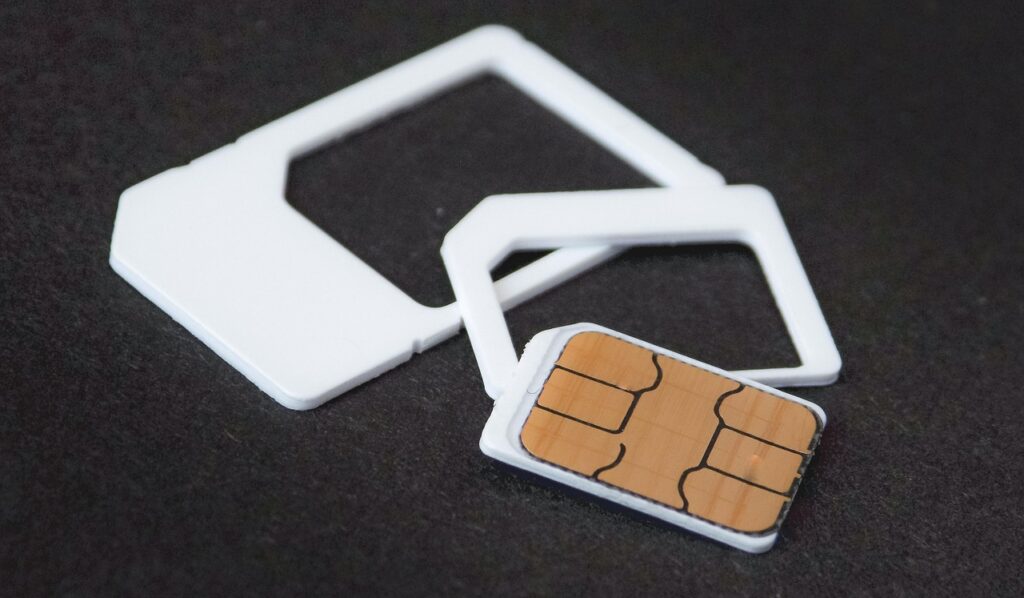
- Inspect the SIM: Power off your phone and eject the SIM card. Look closely on the plastic for a long printed number. Because the text is small, you may need good light or a magnifying glass.
- Check the SIM holder/packaging: When you got the SIM, it likely came on a cardboard or plastic carrier. Often the ICCID is printed there too. MicroEsim notes that carriers often print the ICCID on the SIM’s original packaging or label. If you still have the box or paperwork, look for a long “SIM Card Number” or ICCID.
- Carrier documentation: If your SIM came with documentation or if you have an online account, your carrier may list the ICCID there (sometimes called the SIM serial number).
The image above shows a SIM card and its adapter frames; the ICCID would be printed in fine text on the white plastic (not visible in the photo). Remember, the SIM’s ICCID is not your phone number – it’s just the card’s own serial.
How to find your phone number (mobile number) from the SIM
If instead you want to know your phone number, that is usually easy to find on your device (it may also be stored on the SIM). For example:
- On iPhone: Go to Settings > Phone. Your number should be shown next to “My Number” at the top.
- On Android: Open Settings > About phone (or About device) and look for “Phone number” or check SIM status. Alternatively, open the Contacts/Phone app and tap your profile or “My info” – many Android phones show the number there.
- Call a friend: If the number isn’t listed anywhere, the quickest trick is to call or text someone. Your number will appear on their caller ID or message. (Asurion notes this simple solution if settings don’t show it.)
In some cases the SIM may not have a number saved on it, in which case your carrier’s account statement or portal will show your assigned phone number.
Using your carrier or tools as a backup
If you still can’t find the ICCID or phone number yourself, your mobile carrier can help. Carriers keep records of each SIM they issue, so customer support can look up the ICCID and phone number tied to your account. As eFani’s guide advises, “your carrier can see the ICCID that is active on your line, and a support agent can read these back to you after verifying your identity”efani.com. In short, you can call or chat with your provider’s support team and ask for your SIM information.
Some carriers also allow you to view SIM details online. For example, certain online account pages or device dashboards list the SIM/ICCID. (Verizon’s support notes that on some routers the ICCID appears in the device’s menu.) If you have a login for your cell service, check the device or SIM settings there.
Conclusion
Your SIM card’s ICCID is easy to find once you know where to look. On iPhones or Android phones, the ICCID is shown in the Settings (About phone/device) screen. You can also read it off the SIM card itself or its packaging. Remember that this SIM number is different from your actual phone number (which you can find under My Number in settings or by calling a friend).
Now that you know how to find your SIM card number, you’ll be able to share it for support calls, SIM transfers, and other needs. If this article helped, consider sharing it or leaving a comment. You might also want to jot down your ICCID and phone number in a secure place for future reference.